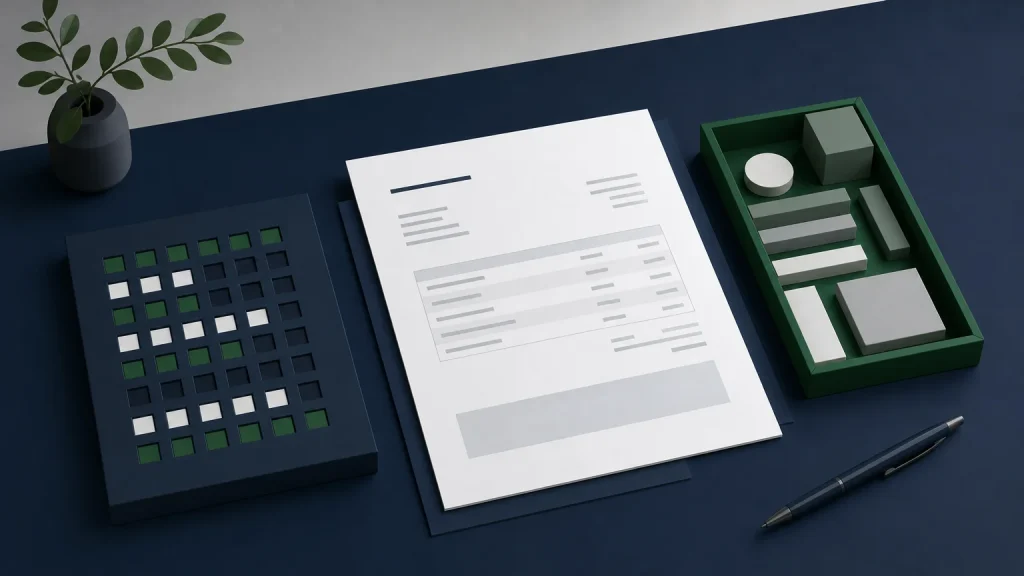
How can I analyse project costs and check the supporting documents?

The project overview shows costs from reviewed invoices assigned to the project. You can open the original document from there. Documents still awaiting review are treated separately from confirmed costs.

View plans

In the current service scope: Business, Scale.

Where can I see what my project has cost so far?

The project's financial overview shows confirmed costs from reviewed invoices assigned to it. The budget and remaining amount appear alongside them.

Education weekBILD-26
Budget
15.000,00 €
Reviewed costs
4.250,00 €
Remaining
10.750,00 €

Reviewed

Project costs
InvoiceAmount
Room hireRE-2026-10412.500,00 €
Event equipmentRE-2026-1042 1.750,00 €
Project costs4.250,00 €

Not reviewed

2 documents
RE-2026-1043 RE-2026-1044

These documents do not yet count towards confirmed costs.

Original documentRE-2026-1042
MUSTERTECHNIK

Invoice

Invoice number
RE-2026-1042
Invoice date
12.11.2026
Event equipment1.470,59 €
Net
1.470,59 €
VAT 19 %
279,41 €
Total amount
1.750,00 €
Room rental and event technology are assigned to the educational project. Only after the audit of the invoices do your confirmed amounts count as project costs. A document linked multiple times is not counted multiple times.

This lets you trace the cost overview back to the documents. You do not need to copy amounts from every invoice into a separate list.

Does a newly uploaded invoice count as a project cost straight away?

No. A document that has not been reviewed is not yet a confirmed cost. The project overview distinguishes reviewed invoices from documents still awaiting processing.

You can see whether more documents have already arrived and still need to be reviewed and assigned.

How do I find the document behind an amount?

Go from the project overview to the corresponding document. There, you can check the original content and processing status.

If event equipment appears in a project, for example, you can open the underlying invoice directly instead of searching for a document using just an amount.

What happens to duplicates, corrections and cancellations?

Confirmed duplicates are not counted as additional invoice costs. Approved corrections and cancellations are included when determining the current invoice amount.

The same expense is therefore not counted several times simply because the same document has arrived again.

Event equipment1.750,00 €
Approved correction− 200,00 €
Costs taken into account1.550,00 €

Here it continues.

Plan projects

Who does what by when, and how much does the project cost? In allinvoice, you organise tasks, responsibilities, documents and the budget together. You do not have to gather documents and costs from separate lists afterwards.

Assign project receipts

You decide which projects may use AI to help assign receipts. Enable the feature for individual projects. For all others, assignment stays in your hands.

Expenditure evidence

An ongoing documentary evidence provides you with a template for the forms of your funding providers.

Latest articles

All articles
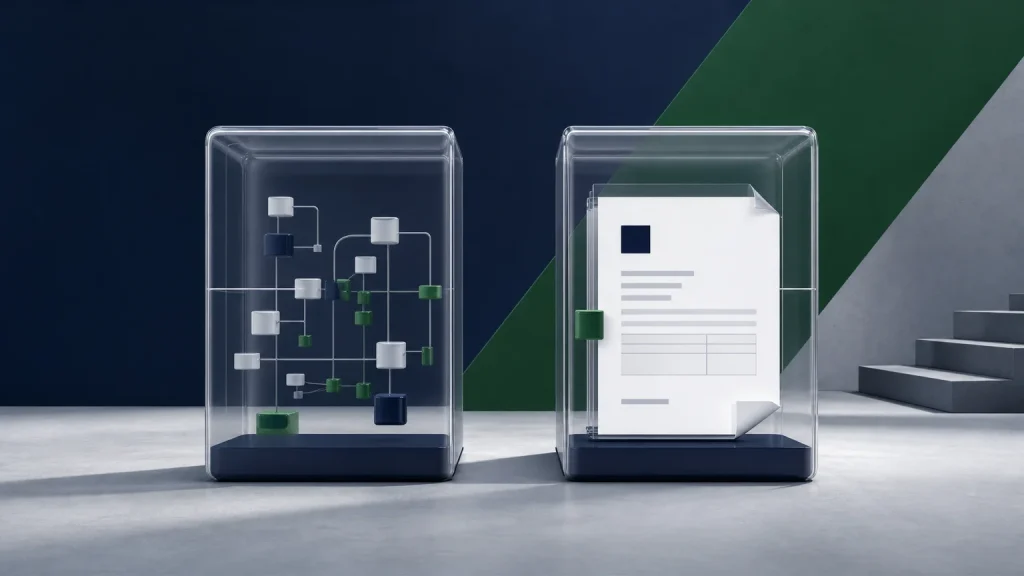
Two equivalent transparent document containers: structured data on the left and a visible document with embedded data on the right

XRechnung or ZUGFeRD? Which format will prevail?

German law does not designate either XRechnung or ZUGFeRD as the sole winning format. This comparison shows how data structure, profiles and recipient requirements determine the right choice for self-employed people and SMEs.

7 min read

More to read

Read the guides
Scroll to top
Select individual services

Login and security, forms, shopping cart and saving your cookie choices. These functions remain available.

ii_consent_fd0feb0ed55c: your choice and consent record identifier for 180 days, for this website only. Session and login cookies remain valid for the relevant session or login period.

PrivacyLegal noticeYour selection applies only to allinvoice.de