Receiving e-invoices: What businesses need to be able to do now
Businesses have generally had to be able to receive e-invoices since 1 January 2025, regardless of the transition periods for issuing them.
Set up the chart of accounts used by your accounting team. allinvoice supports SKR03, SKR04 and custom charts, among others. You can review, adopt and add suitable accounts.
View plansIn the current scope of services: Starter, Business, Scale.
SKR03 organises accounts by business processes; SKR04 follows the balance sheet and profit and loss statement. Use the chart of accounts agreed with your accounting team or tax adviser. In allinvoice, you can also set up other charts of accounts or customise your own.
Check with your accounting team which accounts you need. The owner and administrator can adjust the template's numbers and names before importing it. Existing accounts are retained when you add more.
The chart of accounts and cost centres are available as shared master data. During invoice processing, you can prepare the relevant assignments and correct their accounting treatment if necessary.
The administration takes over matching accounts and supplements company-owned entries. The team then uses the same account names.
Which costs belong to which project, location or department? Create your own cost centres and use them when processing invoices. You choose the numbers and names.
Check the extracted invoice data directly beside the original. Fill in missing details and confirm the reviewed data in one shared view.
Prepare purchase and sales invoices, cancellation invoices, cash transactions and supported bank transactions as DATEV posting batches. Account assignments and originals remain linked.
Businesses have generally had to be able to receive e-invoices since 1 January 2025, regardless of the transition periods for issuing them.
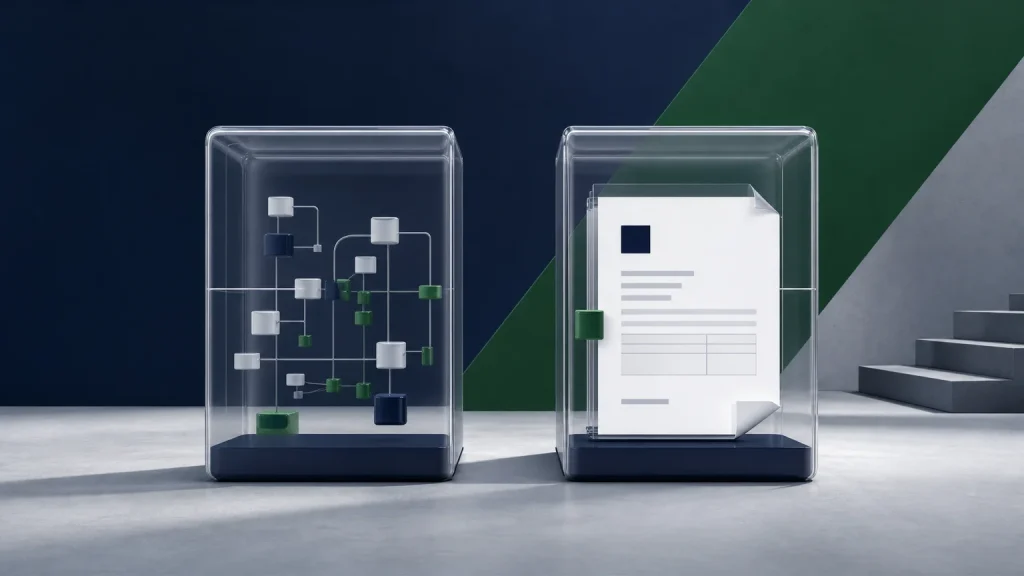
German law does not designate either XRechnung or ZUGFeRD as the sole winning format. This comparison shows how data structure, profiles and recipient requirements determine the right choice for self-employed people and SMEs.