As of: 4 November 2026. Businesses planning for e-invoices only from 2027 often confuse two different requirements: being able to receive them and having to issue them. Businesses established in Germany have generally had to ensure they can receive e-invoices since 1 January 2025. An email inbox may be sufficient for this. Fully automated accounting is not required. The Federal Ministry of Finance explains this in its FAQ, particularly questions 8, 9 and 12. The priority is therefore to reliably receive, check and retain incoming structured invoices, rather than immediately introducing a large software workflow.
Differentiate between obligation to receive and issuance deadlines
The legal starting point is services between entrepreneurs based in Germany for their companies. Certain tax-free transactions are excluded. Private purchases are not covered by this B2B regulation. Relevant is § 14 paragraph 2 UStG. Small entrepreneurs must also be able to receive e-invoices, even though they are exempt from the obligation to issue them. The same applies after the BMF FAQ, question 12, for example, for entrepreneurs who exclusively carry out tax-exempt transactions. Thus, a small company size does not create a general reception exception.
For issuing invoices, however, § 27(38) UStG allows transition periods: until 31 December 2026, paper invoices or, with the recipient’s consent, other electronic forms of invoice may still be used for transactions carried out in 2025 and 2026. For 2027, this option is extended if the issuer’s total turnover in the previous year was no more than 800,000 euros. Exactly 800,000 euros is included. There is also a separate EDI transition rule until the end of 2027. These are existing statutory transition rules, rather than forecasts, and do not provide a grace period for receiving invoices.
What actually arrives as an e-invoice
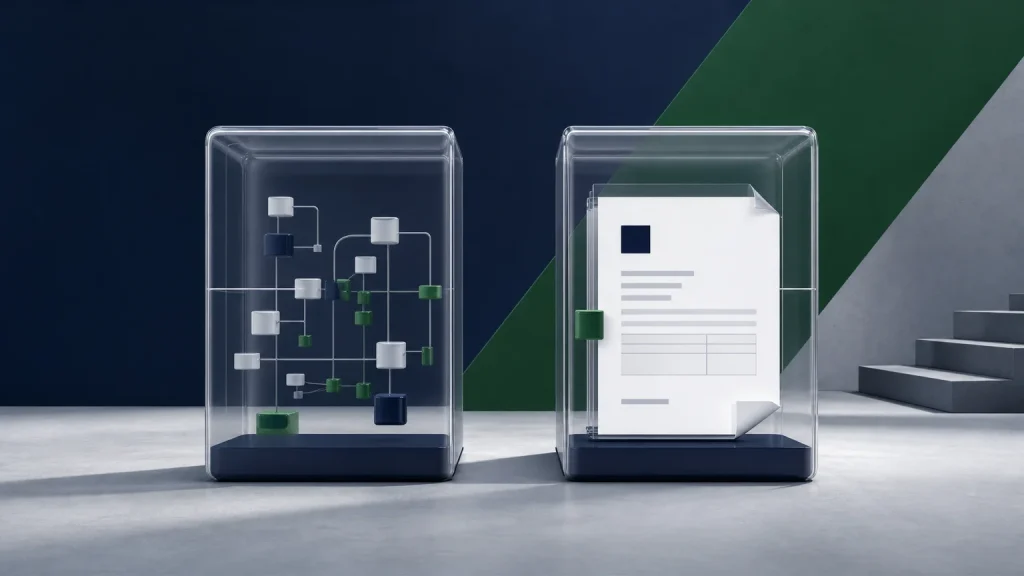
An e-invoice contains structured data and allows electronic processing. An ordinary PDF or scanned invoice image does not meet this definition; it is an “other form of invoice”. The distinction is set out in § 14(1) UStG. For incoming invoices, this means the visible image or filename extension alone does not determine what you have received.
Common formats are XRechnung, a structured XML record, and ZUGFeRD, which combines a PDF view with embedded XML data. According to the BMF letter of 15 October 2024, paragraph 26, ZUGFeRD versions from 2.0.1 generally meet the requirements, except for the MINIMUM and BASIC-WL profiles. A document labelled ZUGFeRD is therefore not automatically suitable. In practice, we recommend supporting both common types of incoming invoice.
An email mailbox is the inbox, not the whole process
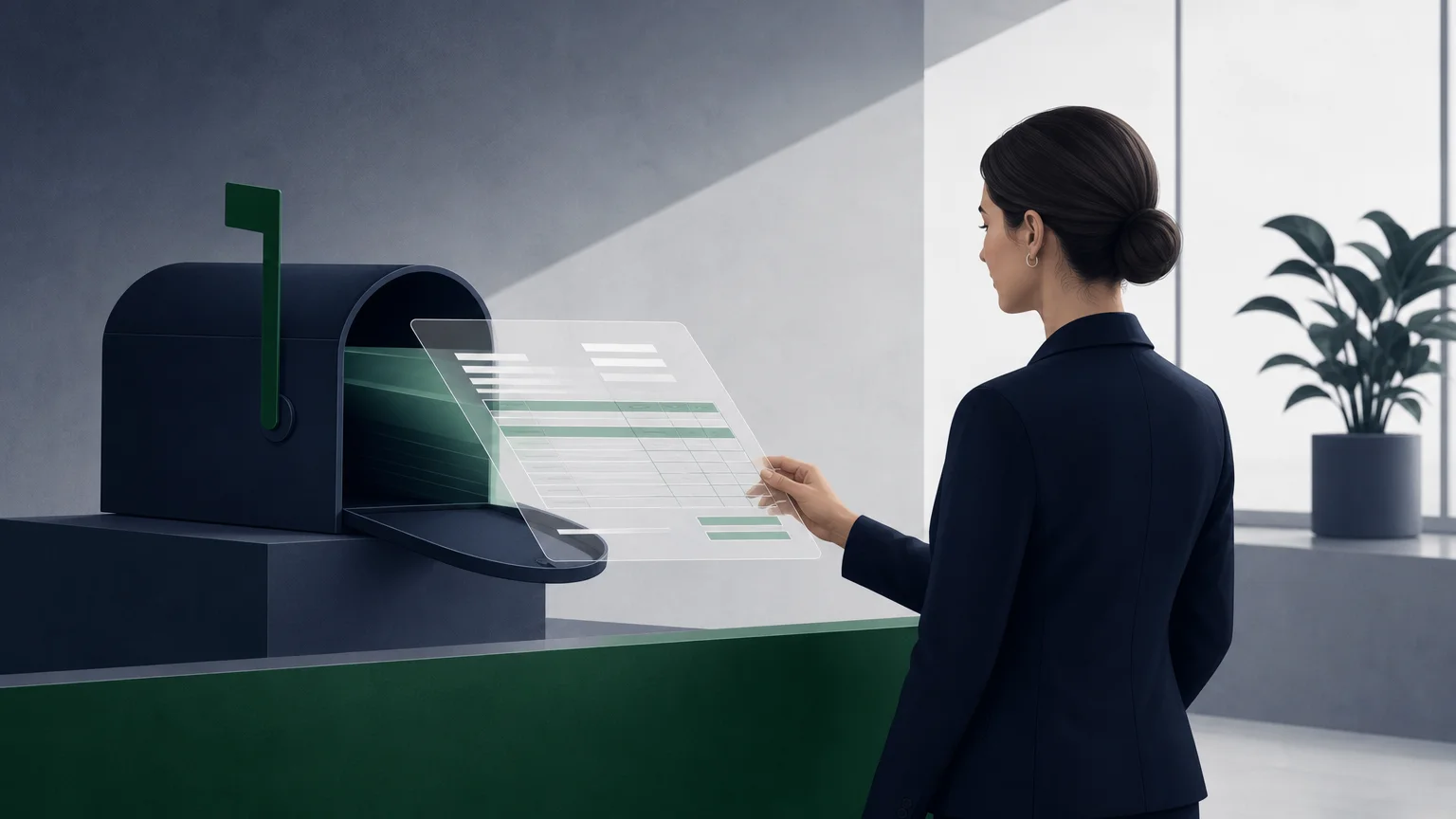
VAT law does not prescribe a particular transmission method. The BMF letter of 15 October 2024, paragraphs 36 to 40, mentions among others e-mail and interfaces; a mailbox can enable the reception. However, it does not follow that its establishment simultaneously performs technical validation, factual examination or proper storage. You need to organize these tasks separately. A general obligation to process invoices fully automatically does not result from this.
An illustrative example: A craft company receives an XML invoice in the owner’s personal mailbox. It was technically delivered, but remains unprocessed during her vacation. In addition, a screen view saved later does not replace the original file. Our recommendation: Use a central Invoice receipt by e-mail with clear responsibility. This allows input and processing to be separated without requiring complex automation.
Six steps to reliably receiving e-invoices
1. Choose an accessible receiving channel
Recommendation: choose a central email address for invoices and give it to your suppliers. Check with your IT provider that XML files and embedded invoice data arrive unchanged. Also test size limits, spam filters and quarantine. Agree who checks blocked messages. Have a test invoice sent from outside your business: sending it internally does not test the same transmission route. Record how suppliers can contact you if delivery fails.
2. Document responsibilities and cover arrangements
Recommendation: document who checks incoming invoices, who confirms the supply and who handles questions. Appoint someone to cover absences, with their own authorised access, instead of using shared passwords. For a small business, a short written procedure is a sufficient organisational starting point: receiving channel, checking steps, storage location, responsible people and what to do when errors occur. Test the cover arrangements in practice: can the person find and process an invoice without help from the absent colleague?
3. Make structured data readable
An XML file needs a suitable viewer to display it clearly. The Coordination Centre for IT Standards describes its visualisation components for XRechnung. Recommendation: use a test file to check whether your solution makes line items, tax details, payment information and attachments accessible. With hybrid invoices, you should also be able to view the structured part. A PDF preview alone does not tell you whether all the embedded invoice data is displayed.
4. Separate technical checks from checks of the content
A validator checks technical format and business rules. Whether a supply was actually made or matches the order must be checked separately. The Federal Chamber of Tax Advisers explains this distinction in section 3 of its FAQ. Passing a technical check therefore does not mean a payment is approved. Recommendation: compare the supplier, invoice number, supply, amount and possible duplicate submissions with your records. Verify unusual bank-detail changes using an established contact channel.
Illustrative example: An invoice passes technical validation but lists ten hours of maintenance, although only six were ordered and confirmed. A green validation status does not resolve this. Record the discrepancy and ask the supplier. Do not edit the received XML file yourself to make the amount “fit”. We recommend a separate status for unresolved questions, so disputed invoices do not accidentally enter a payment run. Our page on invoice approval also explains the organisational separation.
5. Preserve original data with traceable links to its records
At least the structured part must be retained intact in its original form and remain machine-processable. A printout or PDF view generated from it does not replace the XML. This is specified in the BMF letter of 15 October 2025 concerning section 14b.1 UStAE. Recommendation: retain the complete file received, including relevant attachments, and link checking notes using a unique incoming-document number.
For VAT purposes, the retention period is generally eight years, starting at the end of the year of issue; other rules may require longer retention. The relevant provision is § 14b UStG. E-invoicing alone does not mean the tax authorities require a particular archive product. According to the BMF letter cited above, storing data outside a GoBD-compliant system does not, by itself, generally constitute a breach of § 14b. Other retention obligations remain unaffected. An ordinary editable folder therefore cannot be categorically treated as a legally compliant archive.
6. Test finding and restoring documents
Recommendation: find a stored invoice using only its supplier, date or invoice number. Then open its original data and the corresponding checking note. Also test restoring a backup and exporting your data when changing providers. Decide who has deletion rights and how accidental overwriting is prevented or made traceable. A successful receipt test ends only when you can find the original again, together with its documented processing, rather than merely seeing the attachment.
Email security: Match protection to the risk
The obligation to receive e-invoices does not create a blanket requirement to encrypt every invoice end to end. Data protection requirements depend particularly on the content and the risk. The Guidance of the Data Protection Conference, Sections 4.1 and 4.2, distinguishes between normal and high risks: Anyone who specifically receives personal data must enable secure reception via an encrypted channel; in the case of high confidentiality risks, further requirements are added, including the possibility of end-to-end encrypted reception. Recommendation: Have configuration and protection requirements specifically checked, especially for sensitive descriptions of the goods or services supplied.
Two common questions from practice
Does the accompanying email also have to be kept?
Not automatically. If it serves exclusively as a means of transport for the invoice attachment, it does not have to be stored additionally. If it itself serves as a business letter or accounting document, it must be kept. This delimitation explains the German Federal Chamber of Tax Advisers under question 2.4. What is decisive is the content, not the name of the message.
Does an ordinary business need a Leitweg-ID?
A Leitweg-ID (routing ID) is not required for B2B invoice exchange. It is used to direct invoices within public-sector organisations. KoSIT clarifies this in its XRechnung FAQ. Recommendation: agree on your own order or recipient reference where needed. This makes internal matching easier without unnecessarily applying public-authority requirements to ordinary business invoices.
This guide is for general orientation and does not replace a legal or tax review of your individual case.
Sources
- Federal Ministry of Justice/Federal Office of Justice: UStG, § 14 – issuing invoices; current online version, accessed on 04.11.2026.
- Federal Ministry of Justice/Federal Office of Justice: UStG, § 27 – general transitional provisions, in particular paragraph 38; current online version, accessed on 04.11.2026.
- Federal Ministry of Justice/Federal Office of Justice: UStG, § 14b – retention of invoices; current online version, accessed on 04.11.2026.
- Federal Ministry of Finance: Questions and answers on the introduction of mandatory e-invoicing; 23.03.2026, as of March 2026; researched on 04.11.2026, direct page retrieval technically limited.
- Federal Ministry of Finance: Introduction of mandatory electronic invoices for transactions between domestic entrepreneurs; letter of 15.10.2024, taking account of the amendments of 2025; accessed on 04.11.2026.
- Federal Ministry of Finance: Introduction of mandatory electronic invoicing – supplementary regulations and amendment of the VAT implementing decree; letter of 15.10.2025, in particular amendments on section 14b.1; accessed on 04.11.2026.
- Federal Chamber of Tax Advisors: FAQ on the introduction of mandatory e-invoicing; as of 03.03.2026; accessed on 04.11.2026.
- Coordination Centre for IT Standards, XStandards Purchasing: FAQ XRechnung; without a single publication date; accessed on 04.11.2026.
- Data protection conference, provided by the BfDI: Measures to protect personal data when transmitted by e-mail; of 27.05.2021, as of 16.06.2021; accessed on 04.11.2026.