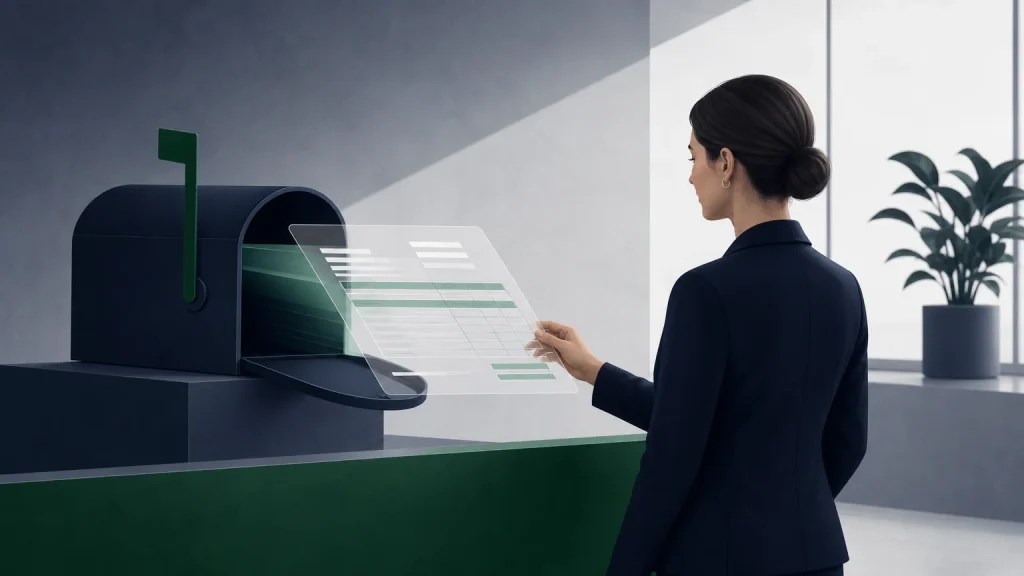
An example: the material receipt after an external appointment.
You photograph the entire receipt and check sharpness and side edges.
119,00 €
119,00 €
Done before the next office day.
The invoice from an external appointment, material for a workshop or a receipt after the event: documents quickly accumulate on the road. With mobile capture, you bring them directly into your company’s receipts, instead of keeping them in a pocket until the end of the month.
You open the mobile application with your existing access. Depending on your permissions, you can take a picture of the document or select an existing file. The original ends up in the protected company area.
Access mobile document capture at app.allinvoice.de in your smartphone’s browser. Use your existing allinvoice account.
A photo of the whole document is the best start.
Lay the paper flat on a plain surface and include all its edges in the photo. Even lighting and a sharp image help you check the invoice number, amounts and payment details reliably later. Check the photo before sending it.
You can also select an existing image or PDF file. Mobile document capture complements the document inbox email and desktop upload; it does not replace either route.
A connection is required to sign in and transfer data. Offline synchronisation is not assumed.
Before uploading
All page margins visible
Sharp numbers and texts
No strong shadows
Recording checked once again
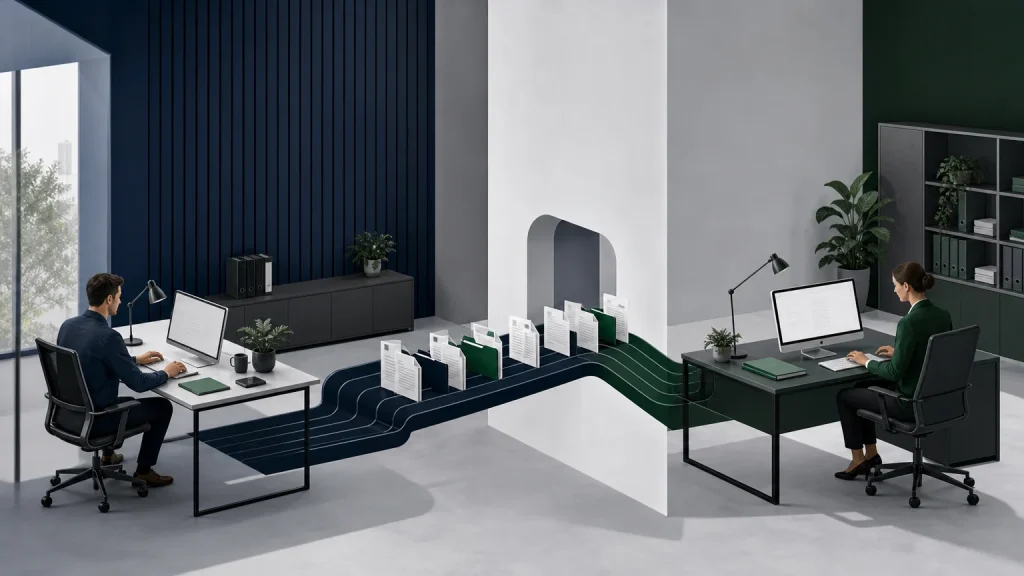
Captured on the smartphone. Available at the workplace.
You do not need a second company account or another user account. Mobile access is part of your allinvoice account. The document stays in the same company workspace when you continue on your computer.
This way, an authorized person can find the receipt in the document management while you are still on the go. Which steps someone can edit continues to depend on role and package.
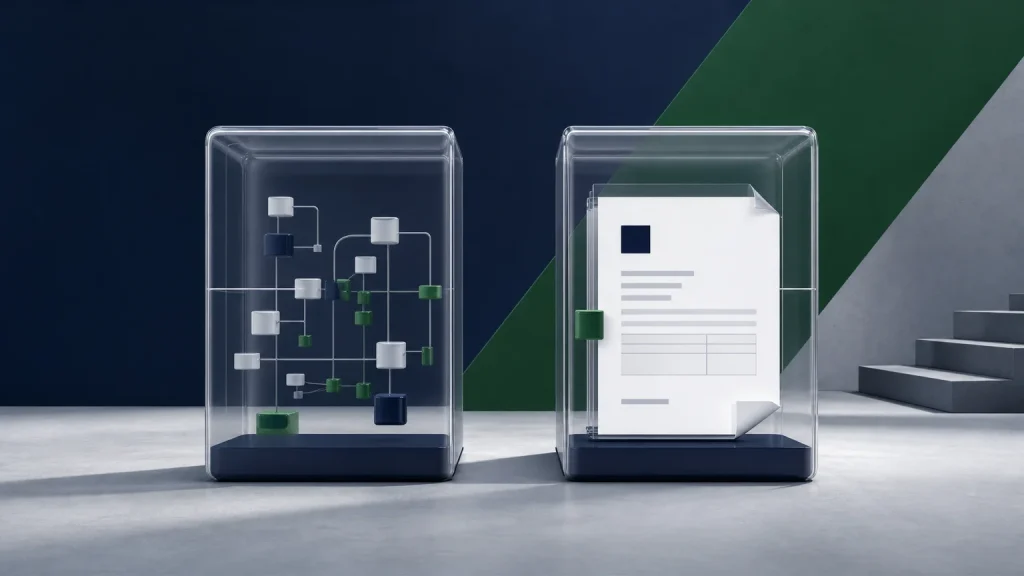
On your smartphoneCapture on the go
Your work placeContinue to work together
Capture is the beginning, not approval.
The document type is determined after receipt. Invoice details are extracted for review. Compare them with the original. If a value is missing, you can add it in the invoice form.
The photo does not approve the invoice or trigger a bank transfer. Substantive review, approval and payment remain separate steps requiring their respective permissions.
A good workflow for people outside the office.
Arrange with the team that receipts are collected as soon as possible after the appointment. The accounting department does not have to ask for paper originals before it can assign a transaction or add a cost center.
Check your professional and legal requirements to decide whether the paper document must also be kept. Taking a photo alone is not blanket permission to discard the paper.
German law does not designate either XRechnung or ZUGFeRD as the sole winning format. This comparison shows how data structure, profiles and recipient requirements determine the right choice for self-employed people and SMEs.