Include existing catalogs
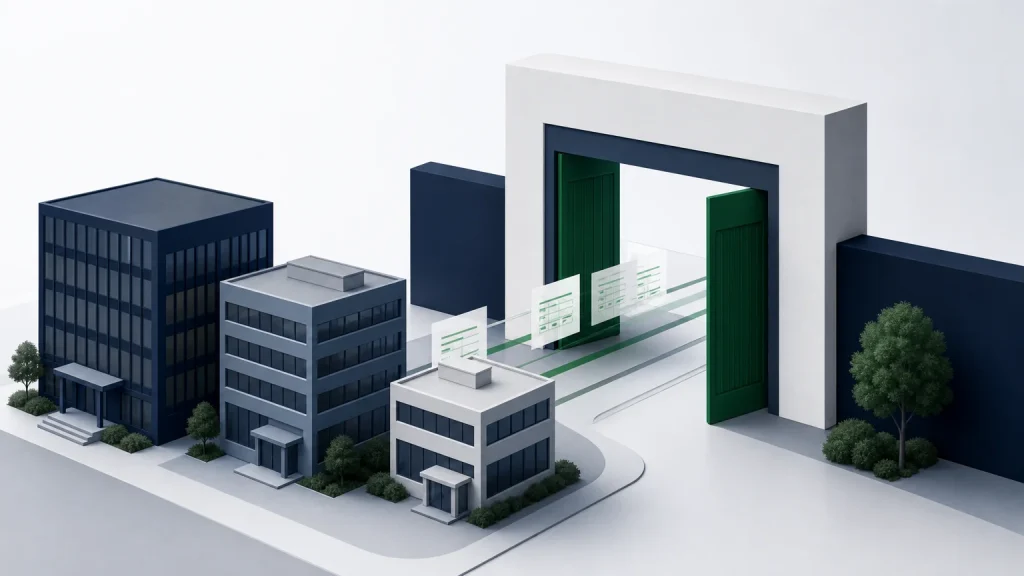
From Starter onwards, configured shop and inventory-system integrations can provide product data for import. Before importing, the administrator selects the items to use and checks their prices.
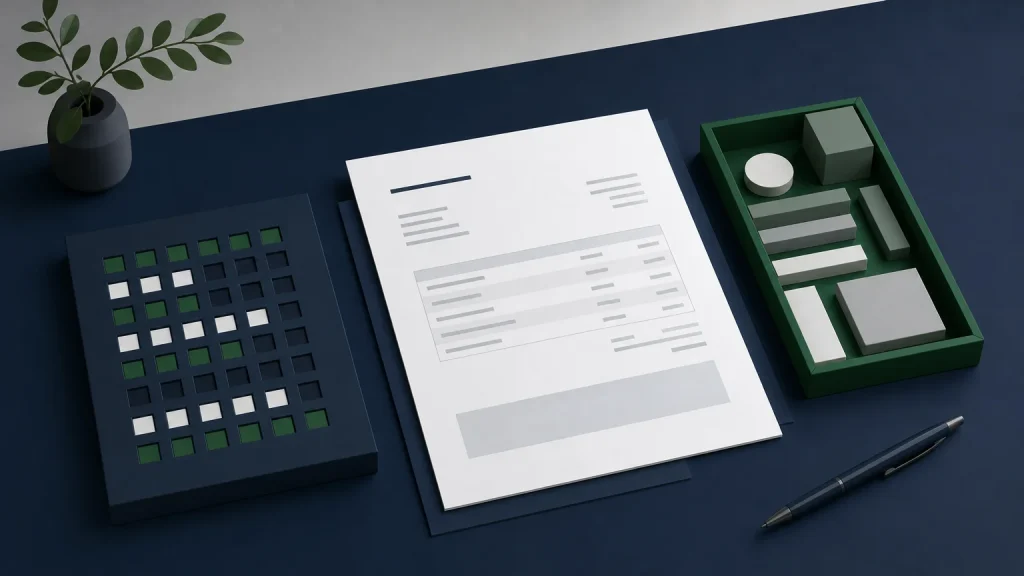
Maintain products and services with prices and descriptions. Add suitable line items directly to your outgoing invoices.
View plansIn the current scope of services: Starter, Business, Scale.
Keep products and services separate
Reuse prices and descriptions
Add line items to draft invoices
Products and services have separate searchable lists. Owner and admin maintain names, prices and the associated information. Recurring services do not have to be reworded for every invoice.
Accounting takes over appropriate entries in the draft invoice. Quantity, concrete scope of service and further process details are checked for the respective invoice.
From Starter onwards, configured shop and inventory-system integrations can provide product data for import. Before importing, the administrator selects the items to use and checks their prices.
Create invoices with customer data and catalogue items. Choose PDF, XRechnung or ZUGFeRD and keep track of originals and cancellations.
Connect your shop or inventory management system to allinvoice and bring items, descriptions and prices into your product catalogue. When you create an invoice, select the products instead of typing them in again.
Keep customer addresses and invoice details in one central place. Use them when creating outgoing invoices to reduce repeated entry.
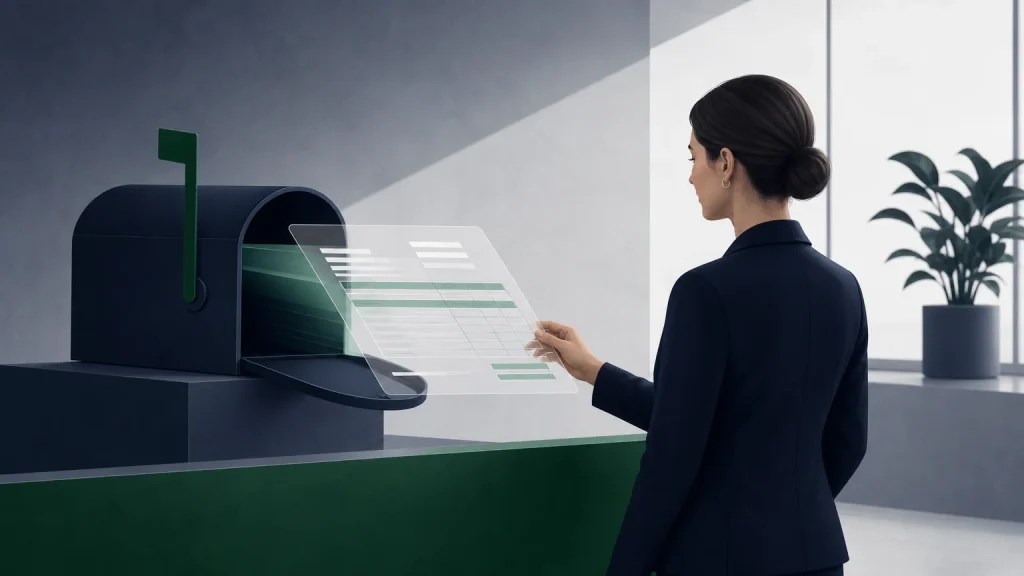
Businesses have generally had to be able to receive e-invoices since 1 January 2025, regardless of the transition periods for issuing them.
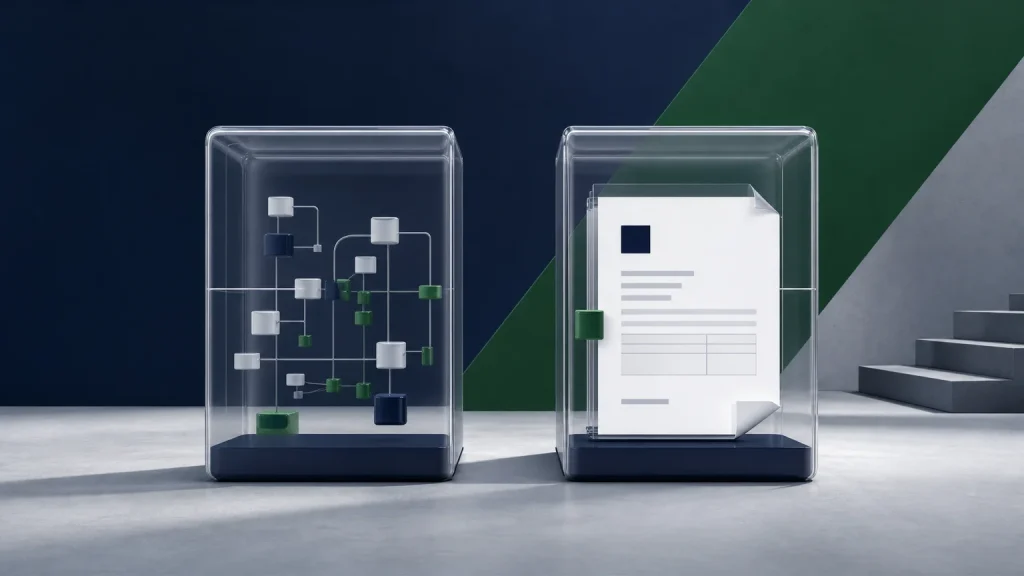
German law does not designate either XRechnung or ZUGFeRD as the sole winning format. This comparison shows how data structure, profiles and recipient requirements determine the right choice for self-employed people and SMEs.