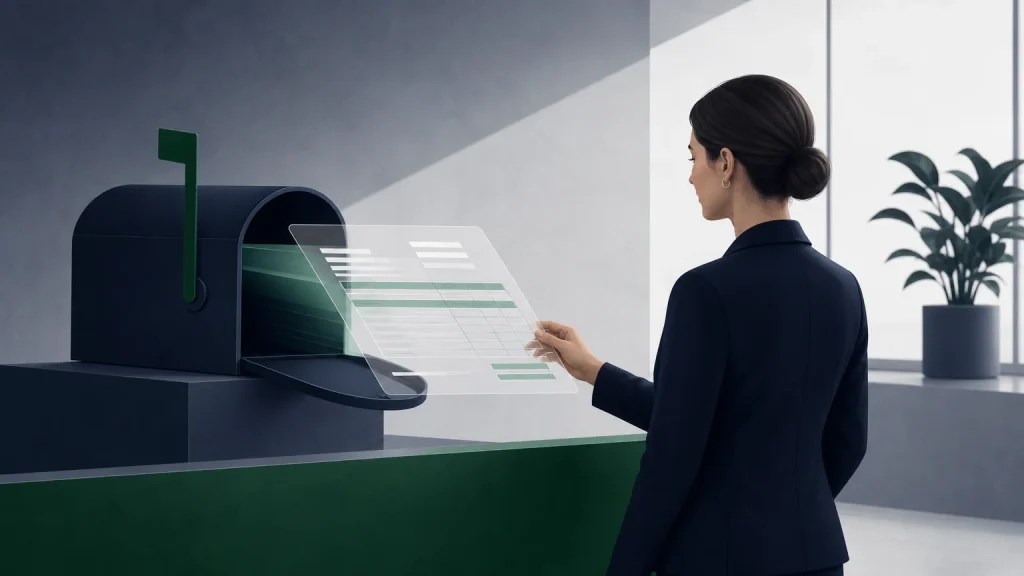
Receiving e-invoices: What businesses need to be able to do now
Businesses have generally had to be able to receive e-invoices since 1 January 2025, regardless of the transition periods for issuing them.
allinvoice uses sorting methods to assign your documents to the appropriate folders. Language models are not needed for this. You can check and change the classification.
View plansIn the current scope of services: Starter, Business, Scale.
The sorting methods distinguish invoices, correction and cancellation invoices, credit notes, cash receipts, payment reminders, quotes, delivery notes and contracts, among others. Each recognised document type has its own area in your document management.
If the classification is unclear or requires confirmation, a hint appears in your bell. You open the receipt and correct or confirm the assignment. Documents not classified as invoices are excluded from payment processing.
No. After sorting, your team checks the invoice data and content. The invoice is then approved by the people authorised to do so.
Both attachments arrive. The sorting methods assign them to different document types. The invoice then moves on to invoice processing.
Rental agreements, leasing documents and insurance paperwork can be used as recurring documents. Review the content and decide whether to create a recurring document for rent, leasing or insurance.
In the recurring documents area, you can then see the associated periods and expected invoices.
Manage recurring documentsOrganize invoices and other business documents in a common document management system – with folders, previews and a clear status of processing.
Use confirmed contract originals for recurring costs and track expected individual documents. Identify missing months and deviations early.
Link the correction or cancellation invoice to the original invoice. Compare the change and have the updated amount approved. Both originals and the decision remain linked to the transaction.
Businesses have generally had to be able to receive e-invoices since 1 January 2025, regardless of the transition periods for issuing them.
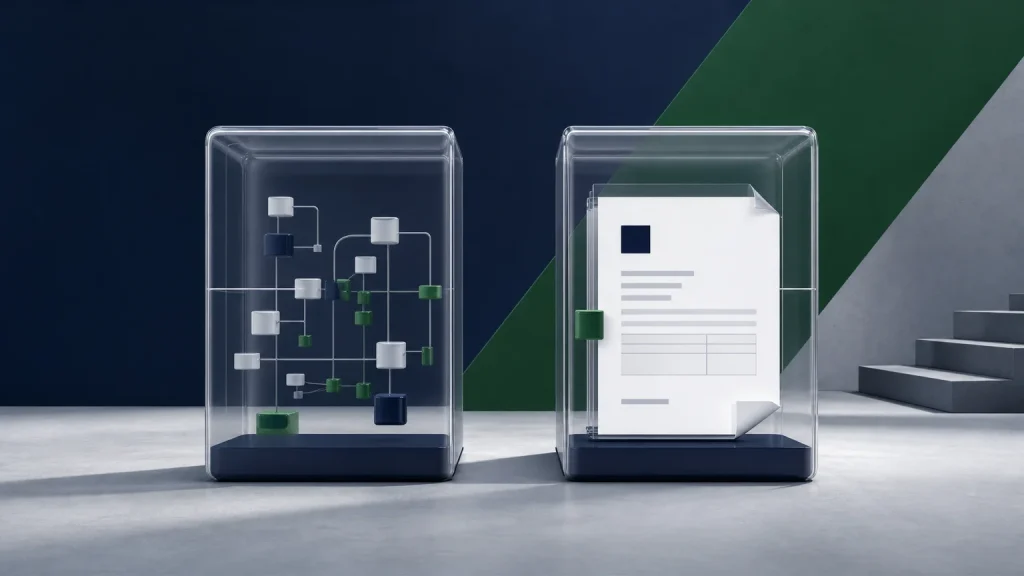
German law does not designate either XRechnung or ZUGFeRD as the sole winning format. This comparison shows how data structure, profiles and recipient requirements determine the right choice for self-employed people and SMEs.