A password. And a second factor.

Protect your allinvoice access with an authenticator app. Enable two-factor authentication on your account and secure your recovery codes.

Find the right plan View all features
Two-factor authentication with allinvoice
Set up Authenticator via QR code
Password and one-time code when logging in
Back up ten recovery codes

Activate the additional protection yourself

In your account, open Security → Authenticator. Scan the QR code displayed with a suitable authenticator app or use the manual setup key. A valid code confirms the activation.

Use two factors when signing in

After activation, a new login requires your password and a current code from the app. The additional proof also applies to accessing the mobile application via your allinvoice account.

Staying operational during a device changeover

During setup, you receive ten recovery codes, each of which can be used once. Download or print them and store them securely, separately from your phone. Used codes cannot be reused.

Latest articles

All articles
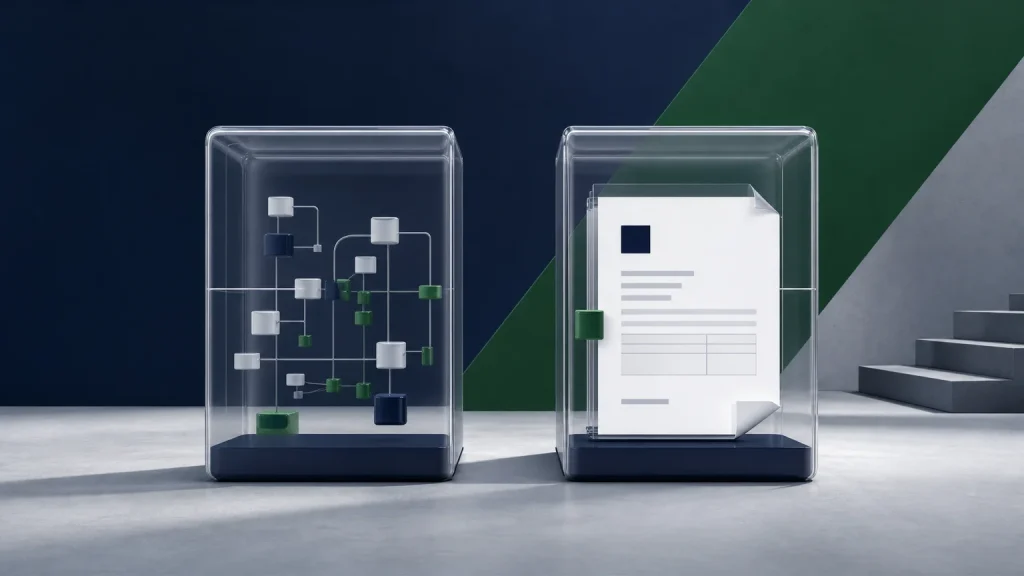
Two equivalent transparent document containers: structured data on the left and a visible document with embedded data on the right

XRechnung or ZUGFeRD? Which format will prevail?

German law does not designate either XRechnung or ZUGFeRD as the sole winning format. This comparison shows how data structure, profiles and recipient requirements determine the right choice for self-employed people and SMEs.

7 min read

More to read

Read the guides
Scroll to top
Select individual services

Login and security, forms, shopping cart and saving your cookie choices. These functions remain available.

ii_consent_fd0feb0ed55c: your choice and consent record identifier for 180 days, for this website only. Session and login cookies remain valid for the relevant session or login period.

PrivacyLegal noticeYour selection applies only to allinvoice.de