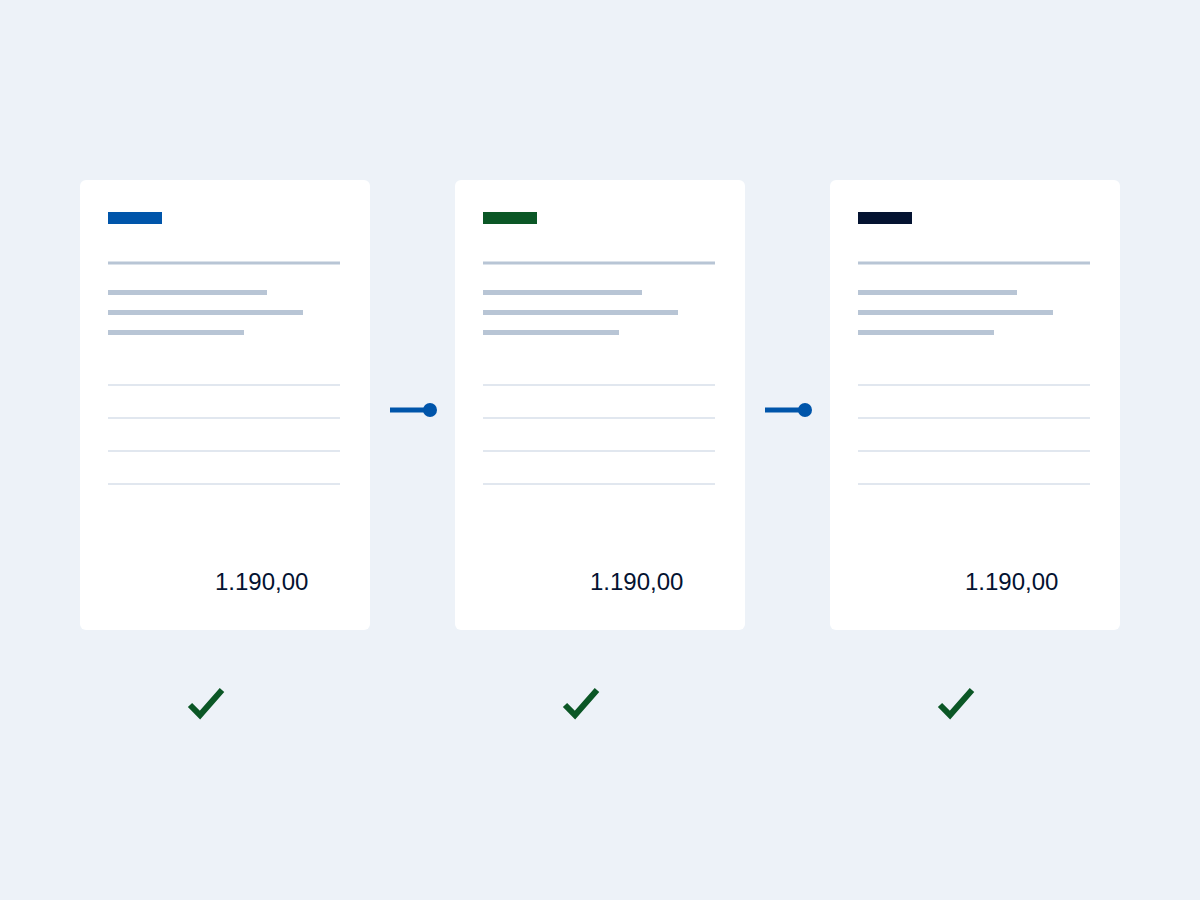
Capture documents and prepare them for review
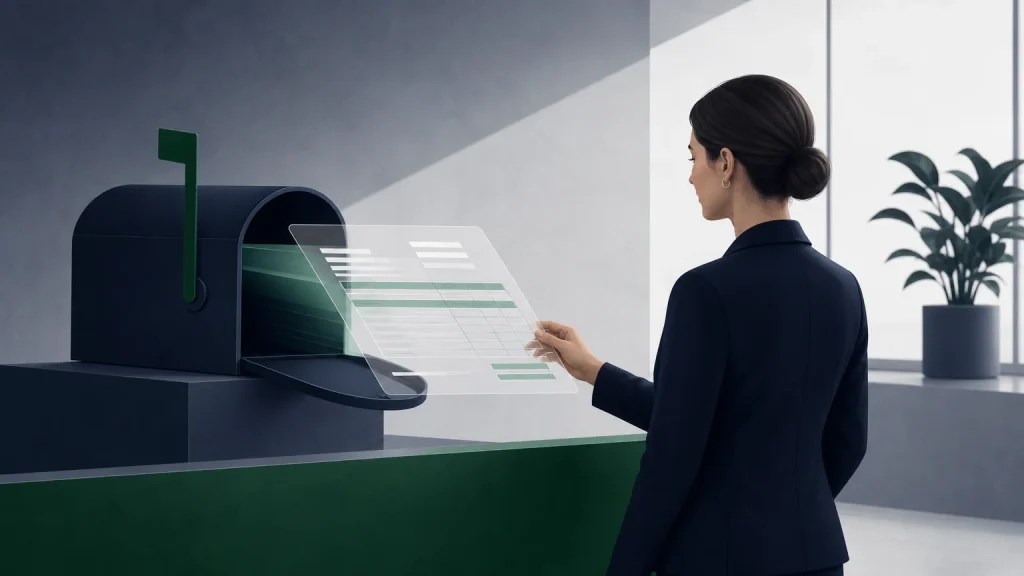
Invoices arrive in the shared document store via the document email address, upload or photo. The software determines the document type and extracts the invoice data. Unclear classifications and missing details are presented for review.
Together check, clarify and approve
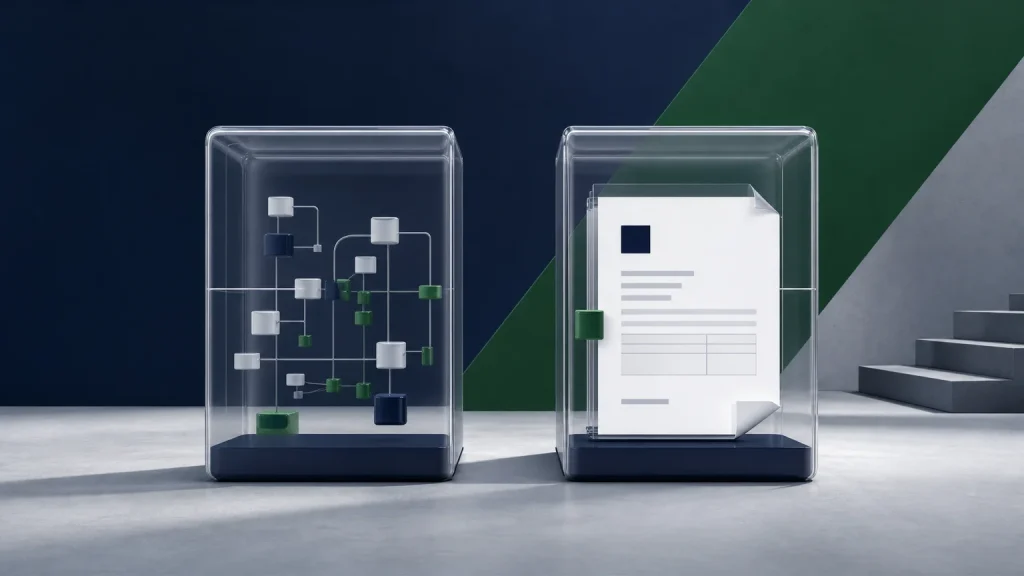
The original and captured fields appear side by side in the invoice view. Team roles control review and approval. Internal messages link questions to the document; depending on the plan, duplicate checking and multiple approvals support the process.
Merge payments and master data
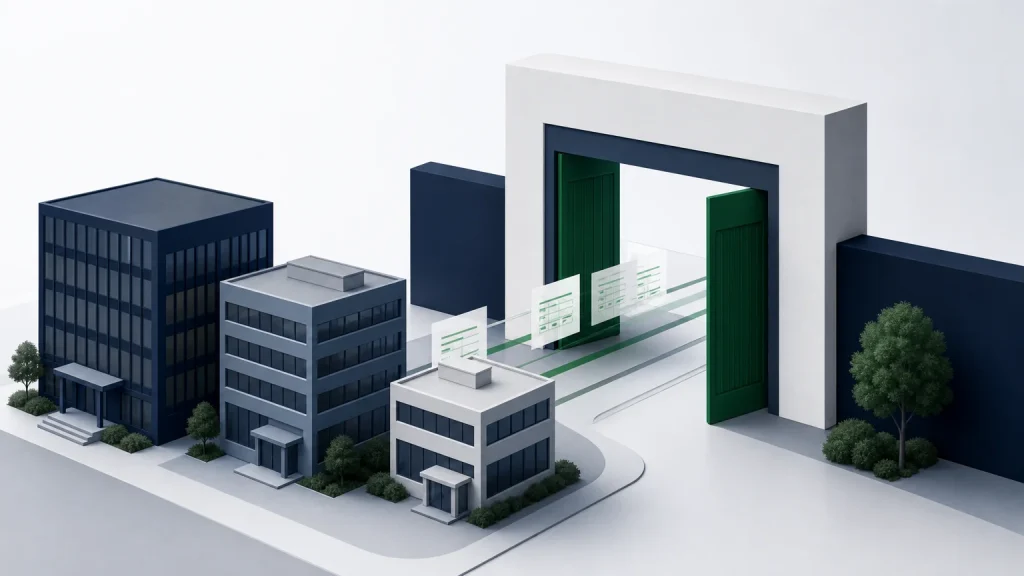
Imported bank transactions can be matched to checked invoices. Due dates and approved invoices form the basis for SEPA payment preparation. Suppliers, accounts and cost centres keep the underlying records consistent.
Create your own invoices
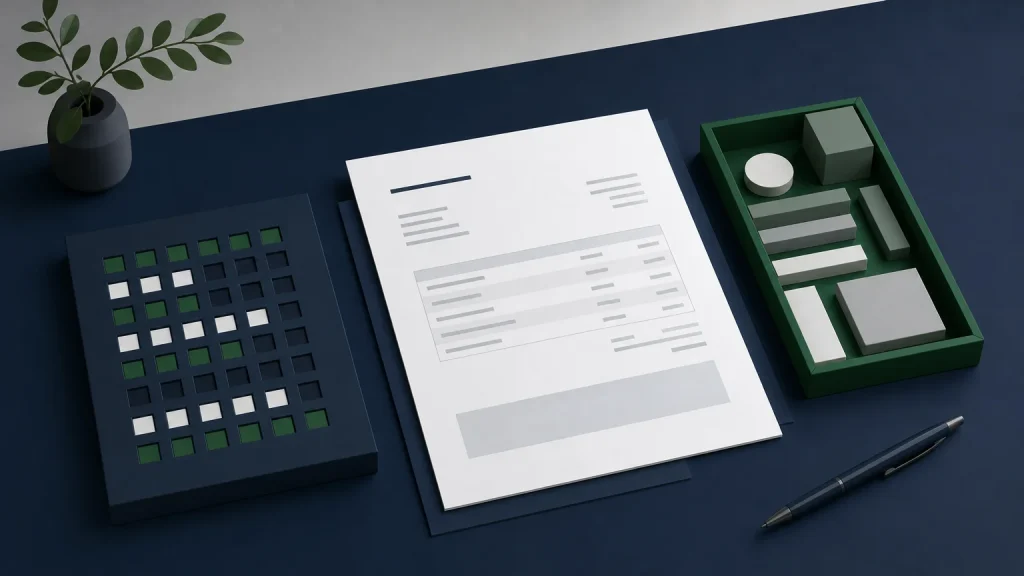
With customer, product and service catalogues, you create outgoing invoices in corporate design. In addition, there are separate types of documentation for compensation and refunds. Each function is described in the function overview with its specific scope.