Receiving e-invoices: What businesses need to be able to do now
Businesses have generally had to be able to receive e-invoices since 1 January 2025, regardless of the transition periods for issuing them.
Create your supplier records once and use their details during invoice review. You can import existing suppliers via CSV. Your team then works with the same names and supplier numbers.
View plansIn the current service scope: Business, Scale.
During invoice review, you can see whether the supplier already has a record. Compare the recognised details with the document and confirm the supplier assignment when completing the review.
The owner and admin manage suppliers and the designated number range. A missing supplier can be created in the checked workflow. Ambiguous matches or differing details are explicitly clarified.
CSV files in the supported DATEV personal account master data format can first be checked in a preview. Then import the relevant records. Export makes it easier to hand over the agreed data to accounting.
The matching supplier is identified. Compare the details with the document and confirm the final association during invoice review.
Check the extracted invoice data directly beside the original. Fill in missing details and confirm the reviewed data in one shared view.
Set up the chart of accounts used by your accounting team. allinvoice supports SKR03, SKR04 and custom charts, among others. You can review, adopt and add suitable accounts.
Which costs belong to which project, location or department? Create your own cost centres and use them when processing invoices. You choose the numbers and names.
Businesses have generally had to be able to receive e-invoices since 1 January 2025, regardless of the transition periods for issuing them.
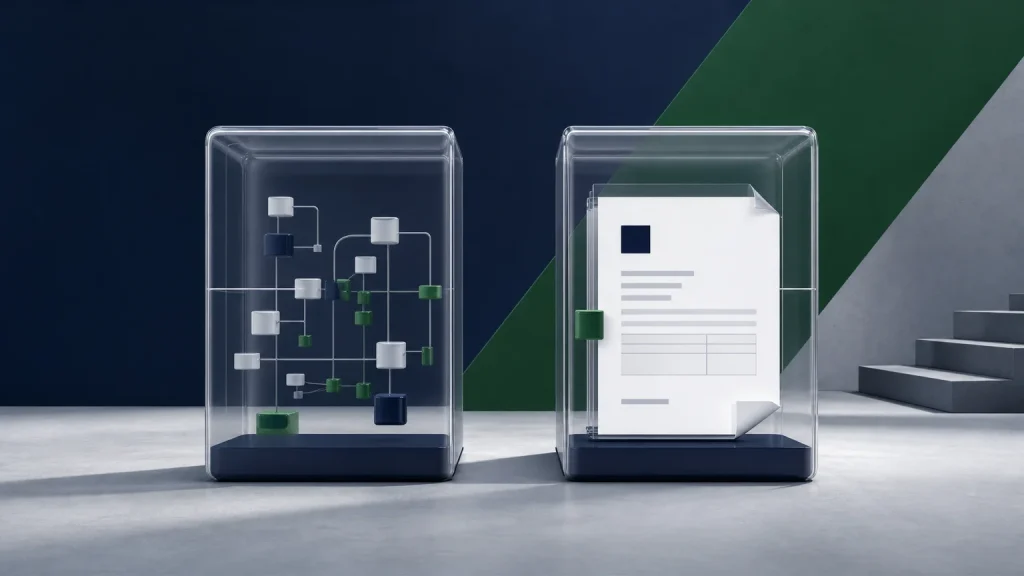
German law does not designate either XRechnung or ZUGFeRD as the sole winning format. This comparison shows how data structure, profiles and recipient requirements determine the right choice for self-employed people and SMEs.