Switching from customer to invoice
Select the appropriate customer in the draft invoice. Address and other stored invoice details will be taken over. You supplement the concrete performance and invoice data for the respective process.
Keep customer addresses and invoice details in one central place. Use them when creating outgoing invoices to reduce repeated entry.
View plansIn the current scope of services: Starter, Business, Scale.
A searchable customer list keeps the information needed for your outgoing invoices together. Owner and admin maintain the master data; accounting uses it when creating new documents.
Select the appropriate customer in the draft invoice. Address and other stored invoice details will be taken over. You supplement the concrete performance and invoice data for the respective process.
A new address or a changed company name updates the master data for future operations. Already issued invoices retain the details used at the time.
Create invoices with customer data and catalogue items. Choose PDF, XRechnung or ZUGFeRD and keep track of originals and cancellations.
Maintain products and services with prices and descriptions. Add suitable line items directly to your outgoing invoices.
Maintain company data, address and invoice details centrally. Owner and admin create the common basis for outgoing invoices and master data.
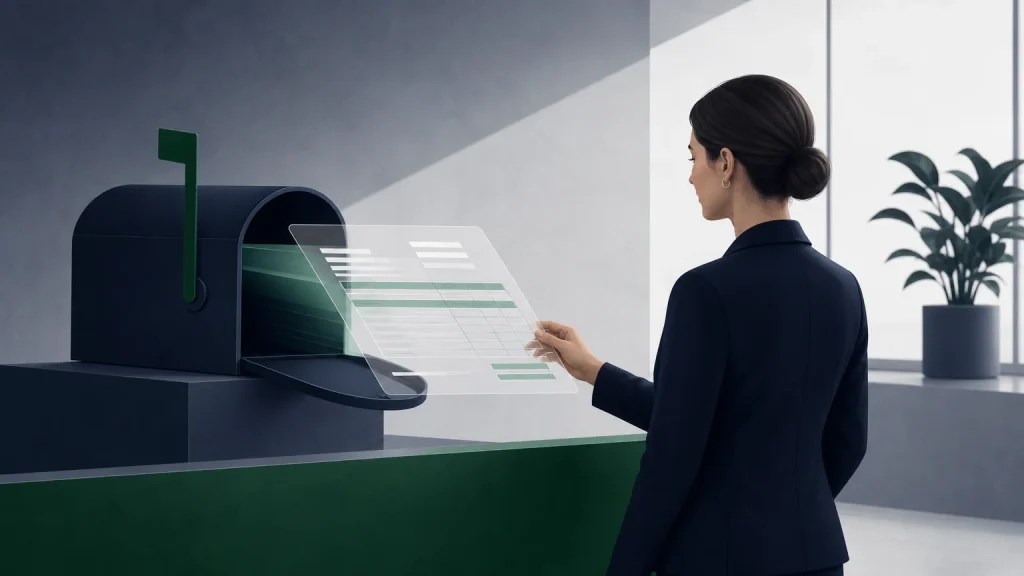
Businesses have generally had to be able to receive e-invoices since 1 January 2025, regardless of the transition periods for issuing them.
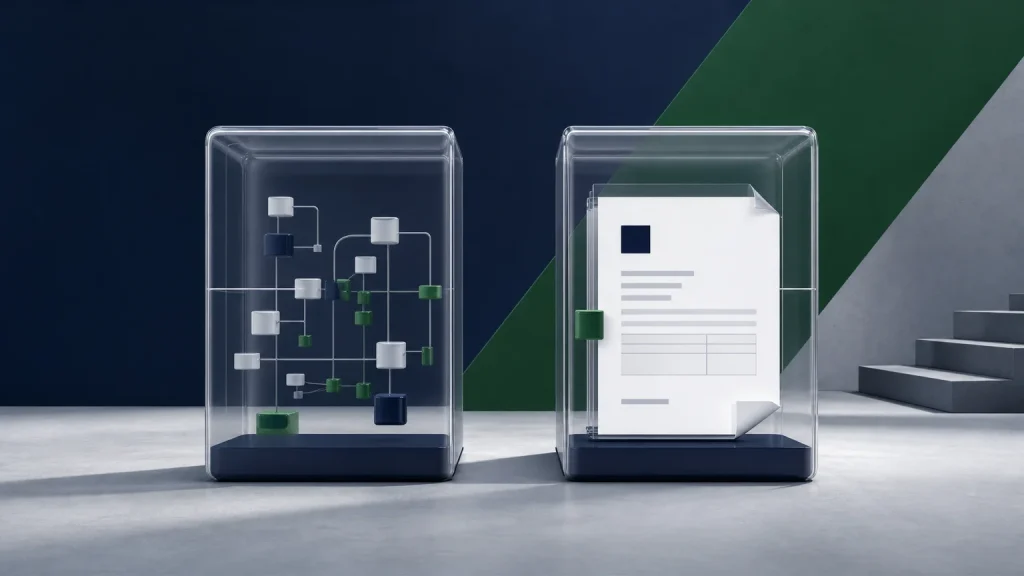
German law does not designate either XRechnung or ZUGFeRD as the sole winning format. This comparison shows how data structure, profiles and recipient requirements determine the right choice for self-employed people and SMEs.