Compare both originals directly
A well-founded duplicate suspicion appears in your bell notifications. The comparison view shows both documents and matching details. You decide whether they are a duplicate or two different transactions.
allinvoice compares extracted invoice values using database queries and flags possible duplicates for review. Your team decides by checking the original documents.
View plansIn the current scope of services: Starter, Business, Scale.
The invoice number, supplier, date, amount and other details may indicate a duplicate invoice. allinvoice compares the extracted invoice values using database queries. Your team checks the reported match against both original documents. No AI is needed for this.
A well-founded duplicate suspicion appears in your bell notifications. The comparison view shows both documents and matching details. You decide whether they are a duplicate or two different transactions.
A document confirmed as a duplicate is blocked from further approvals and new payment preparation. The documents are retained. An incorrect confirmation can be corrected through the designated resolution process.
Check the extracted invoice data directly beside the original. Fill in missing details and confirm the reviewed data in one shared view.
A SEPA file lets you import several transfers into your banking service at once. The recipient, IBAN, amount and payment reference come from your approved invoices. There is no need to type them all in again.
Link the correction or cancellation invoice to the original invoice. Compare the change and have the updated amount approved. Both originals and the decision remain linked to the transaction.
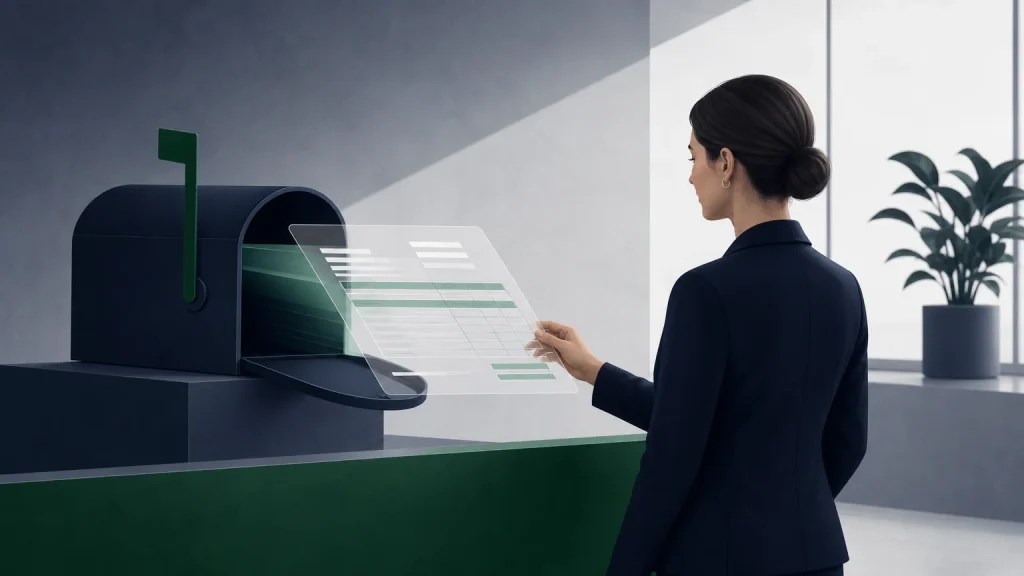
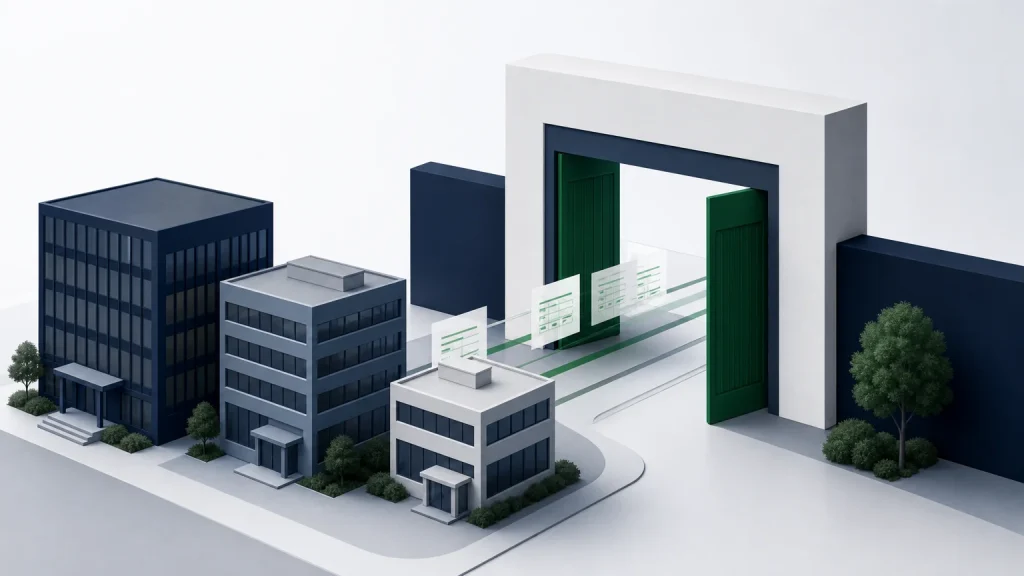
Businesses have generally had to be able to receive e-invoices since 1 January 2025, regardless of the transition periods for issuing them.
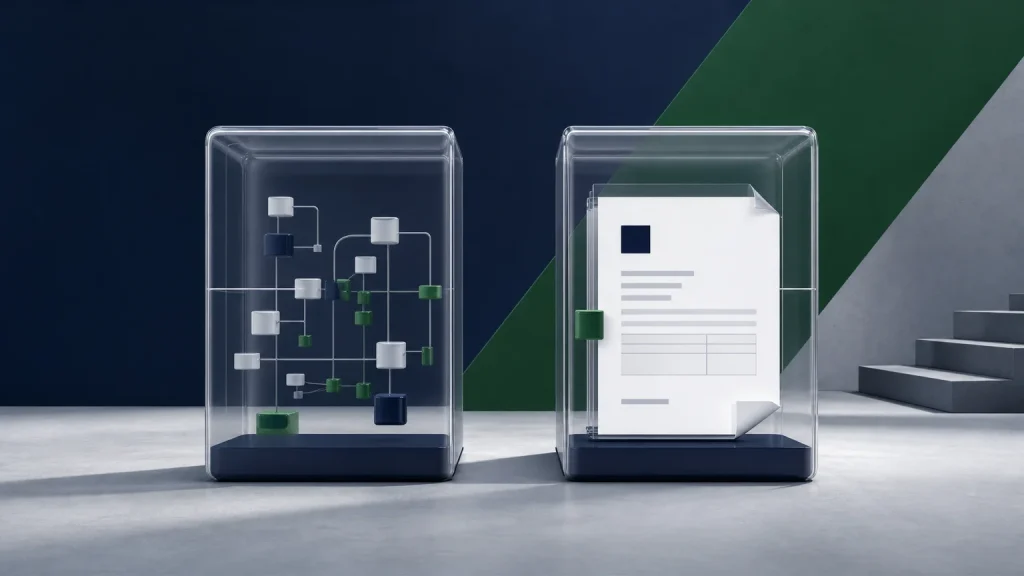
German law does not designate either XRechnung or ZUGFeRD as the sole winning format. This comparison shows how data structure, profiles and recipient requirements determine the right choice for self-employed people and SMEs.