How do I send my team a message about an invoice?

Is something on an invoice unclear? Send a message to your team or individual colleagues directly from the document view. A link to the document is automatically included in the message.

Question about the invoiceWorkshop material
B
Accounting

Is the workshop material part of the educational project?

L
Project management

Yes, the material is for the education week. The cost center is education.

An example from the team
Organize cooperation

In the current scope of services: Starter, Business, Scale.

Send a message about an invoice

Open the invoice, choose a team member and write your question. A link to the document is automatically included in the message.

InvoiceParticipantsHistory
Employees coordinate their work using shared documents

Read and reply to messages

Your messages are in the inbox. Open a message to read the question and previous replies. You can reply directly underneath.

The bell lets you know when a new message arrives. The number in the menu shows how many messages you have not yet read.

Close a resolved enquiry

The enquiry stays open while you are still waiting for information. Once the question has been resolved, mark it as completed.

If another reply arrives later, it is shown as an unread message again.

Unread
You have received a new message.
Read
You have read the message. The enquiry may still be open.
Resolved
The enquiry has been resolved.

Review and approve the invoice after resolving the enquiry

Once the question has been resolved, open the linked invoice. The responsible people can then complete the review and approval there.

Who can read the messages?

The team members involved and authorised company administrators can open the conversation. Other companies cannot access the messages.

Here it continues.

Questions and messaging

If something on an invoice is unclear, send a message to the responsible person directly from the document view. A link to the document is automatically included in the message.

Invoice review

Check the extracted invoice data directly beside the original. Fill in missing details and confirm the reviewed data in one shared view.

Team and roles

Who ordered the service? Who checks the invoice? And who decides whether to approve the expense? Clear roles tell your team who does what. Amount thresholds ensure that larger invoices require several people’s approval.

Latest articles

All articles
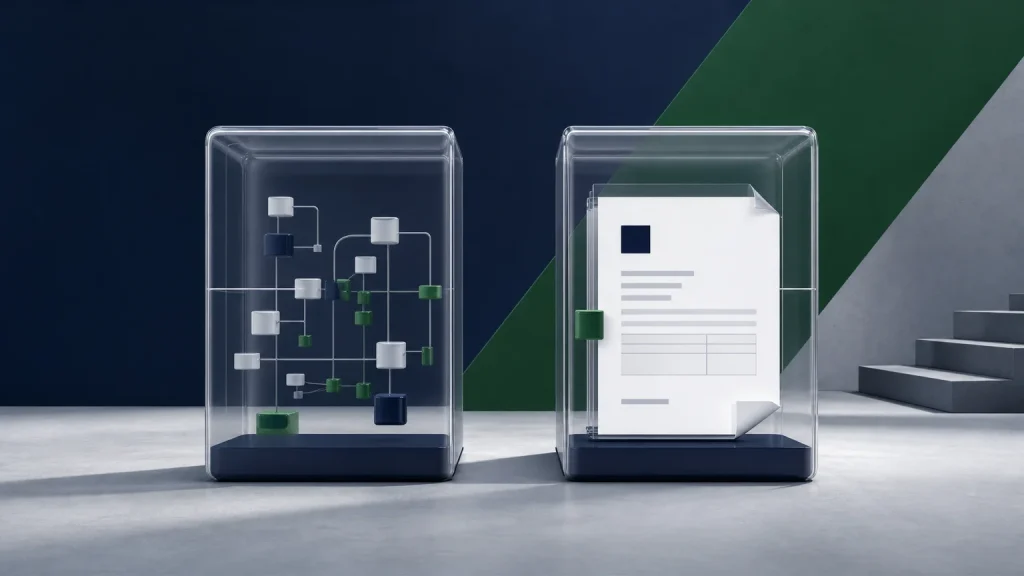
Two equivalent transparent document containers: structured data on the left and a visible document with embedded data on the right

XRechnung or ZUGFeRD? Which format will prevail?

German law does not designate either XRechnung or ZUGFeRD as the sole winning format. This comparison shows how data structure, profiles and recipient requirements determine the right choice for self-employed people and SMEs.

7 min read

More to read

Read the guides
Scroll to top
Select individual services

Login and security, forms, shopping cart and saving your cookie choices. These functions remain available.

ii_consent_fd0feb0ed55c: your choice and consent record identifier for 180 days, for this website only. Session and login cookies remain valid for the relevant session or login period.

PrivacyLegal noticeYour selection applies only to allinvoice.de