
A project can look excellent on the task board while its finances get out of control. Deadlines are met and tasks completed, yet the invoices sit in different inboxes. Actual costs become visible only when someone compiles a spreadsheet at month-end. Funded projects bring another task: expenses need to make sense internally and also be ready to transfer into the funder’s reporting forms later.
This is where a CFO perspective on project management helps. It does not mean automated financial leadership making decisions for the organisation. It means a workflow that connects tasks, documents, confirmed costs and budgets. allinvoice brings these together: AI assists with preparation, master data provides the framework, and authorised people check and decide.
Why a task board alone is not enough
A task board mainly answers organisational questions: what is still open, who is handling the event equipment, and when must the application be submitted? These details matter, but they do not show which costs have supporting documents, which documents await review or how much of the budget remains.
The financial view therefore needs to link back to the document. A purchase marked complete is not a checked invoice. An invoice received is not proof of payment. A grant award is not money received in the bank account. Keeping these distinctions visible makes it much easier to identify the next action.
For a small team, this can help the person in charge spot a missing invoice early. In a larger organisation, the same structure helps divide responsibilities. Associations and other organisations also gain a better basis for preparing funding reports later.
Start the project with a budget and clear context
Before documents can be assigned automatically, the project needs a clear description of what it covers. A name and unique project code help. Additional project terms, such as an event series or a distinctive service description, can assist matching. Choose details that distinguish the project from other work within the same organisation.
In allinvoice, each project can also have a budget, calculation basis and warning threshold. Net and gross amounts are kept distinct. The right basis for managing your project depends on the work involved. What matters for comparison is that the budget and reported costs use the same basis.
The ledger accounts and cost centres assigned to a project provide defaults for proposed postings. They are selected from existing master data. This connects project organisation to preparatory bookkeeping without allowing AI to invent tax codes or new ledger accounts.
Assign new documents to the appropriate project with AI
A new document may already contain a project reference when it arrives. An invoice marked “BILD-26 – Veranstaltungstechnik”, for example, provides a much clearer clue than a supplier name alone. allinvoice can compare these clues with the projects set up and assign clear matches.
In the case of multiple matching projects or an unclear reference, the assignment remains open or is submitted as a proposal. This is especially helpful when the same service provider regularly works for different projects. An automatic allocation is intended to shorten the search; it is not intended to create an unnoticed cost distribution between arbitrary projects.
Assigned documents appear in the project area. Authorised people can confirm suggestions, correct an assignment or remove it. The original stays intact. Each invoice has one project that determines where its costs count, so linking a document several times does not count the same expense more than once.
Separate proposed postings, review and approval
Assigning a project and reviewing an invoice are different steps. A matching project can suggest a ledger account and cost centre. These can fill empty account-assignment fields in the invoice workspace. Details already entered are not silently replaced.
The proposal is then checked against the document and saved. Only the actual review confirms the invoice details. Approval follows the roles and rules set up for that purpose. Neither automatic project assignment nor inserting an account assignment executes a payment.
This creates a clear workflow. AI does preparatory work. The organisation remains responsible for checking whether the details are correct, deciding who may review them and when an invoice is approved. Queries stay linked to the relevant case.
Derive project costs from checked documents
A reliable project overview should show the data behind its totals. allinvoice uses checked incoming documents assigned to the project for its cost overview. Unchecked documents remain visible but do not yet count as confirmed costs.
This affects how you interpret the budget. A project may still be below its warning threshold even though more invoices have arrived and await checking. The cost overview therefore also needs to show outstanding documents. Missing amounts and foreign currencies are identified, rather than silently estimated in euros.
The current invoice figures must account for approved corrections and cancellations. Confirmed duplicates should not add costs. The overview therefore continues to link to the original and its processing status. The total summarises those documents; it is not a separate set of accounts.
Using budget alerts as a decision-making tool
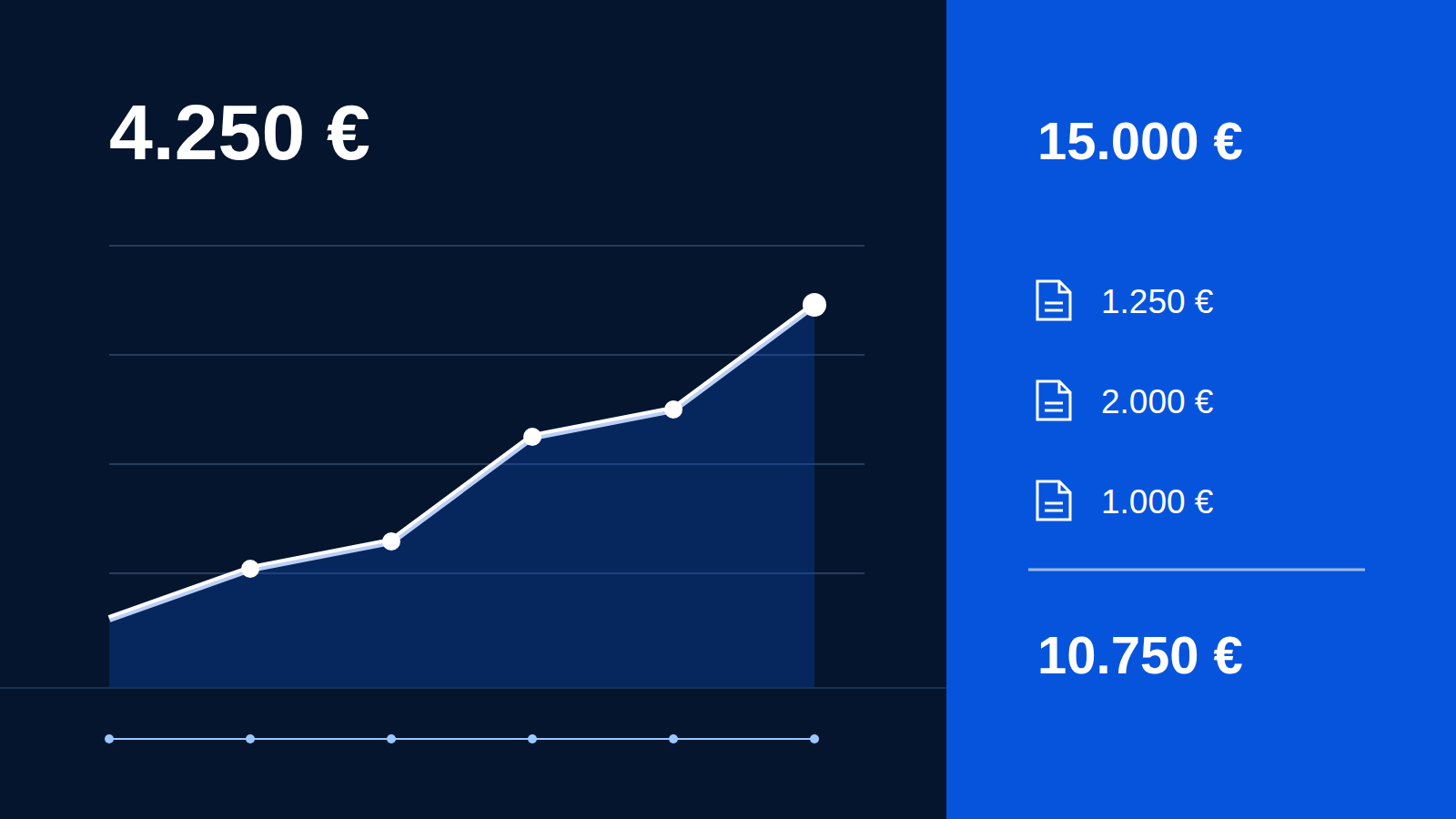
A warning is especially useful if it comes early enough and is understandable. As a simple example, a project may have a budget of 15,000 euros gross and a warning threshold of 80 percent. The threshold is then 12,000 euros of checked costs. This is a calculation for this example, not a general requirement for projects.
In allinvoice, the warning threshold can be set for each project. Authorised people receive alerts when the threshold is reached and again when the budget is exhausted. The project view shows checked costs, the remaining budget and documents not yet counted as costs together.
What follows is decided by the team. Maybe a still open invoice needs to be checked. Perhaps the planning should be adjusted or additional financing should be clarified. The warning makes the need for action visible; it does not replace a cost approval or coordination with a funding provider.
Prepare the funding expenditure report during the project
If preparation for the funding report starts only after the project ends, information that was easy to record at the time is often missing: an invoice’s link to the project, the relevant reference number, or the distinction between a document and a confirmed payment.
The project area therefore links funding applications, funders, programmes, award notices and documents to the relevant project. Project documents can be assigned to a grant. You can also record progress on funding reports and keep a submitted document with the case.
Checked project documents produce an exportable working template containing details such as document date, reference number, supplier and amounts. The project link remains visible. You can work on the template in a spreadsheet and use it to transfer the relevant details into the funder’s forms.
Eligible expenses, contributions from your own funds and required payment evidence depend on the rules of the particular grant. A complete document list does not automatically replace that assessment. The template provides an organised starting point.
A financial overview for different organization sizes
People working on their own often first need to organise their own records better. Connecting document capture, invoice creation and monthly trends can already simplify daily work. Reporting is therefore available in all three allinvoice plans.
Businesses add teamwork to this. Owners, administrators and the accounts team see company figures according to their roles. Management can oversee projects and their finances. Reviewers and approvers keep their relevant tasks without automatically gaining access to every company-wide turnover figure.
Associations and other organisations can also connect volunteering, project costs and funding cases. The principle is the same: figures should make sense through the cases behind them, rather than merely exist somewhere.
The dashboard distinguishes revenue from finalised outgoing invoices and expenditure from checked incoming documents. The resulting document-based balance is neither the current bank balance nor automatically profit. Together with the linked documents, it nevertheless provides a useful view for managing projects.
How project organization becomes a continuous process
You do not have to start with every project in the organisation at once. For a new project, first set its code, budget and responsibilities. Then assign and check incoming documents, followed by funding documents and the reporting template.
Every checked document adds to the traceable data. The team sees outstanding work, management sees budget developments, and project closure does not mean gathering all the document links again from scratch. That is the CFO perspective: viewing organisation and confirmed financial data together while leaving decisions with the responsible people.
Sources and further information
- allinvoice: AI-assisted project assignmentAccessed: 2026-11-07
- allinvoice: Project budgets and alertsAccessed: 2026-11-07
- allinvoice: Templates for funding expenditure reportsAccessed: 2026-11-07
- allinvoice: Reporting in every planAccessed: 2026-11-07